
AI Patient Intake for Small Healthcare Practices
The intake bottleneck in small practices
If you run a small medical, dental, or therapy practice, your front desk is probably your biggest operational constraint. One or two staff members juggle phone calls, check-ins, insurance verification, and paperwork — all while patients stack up in the waiting room. The math never works in your favor.
Nearly 30% of all U.S. healthcare spending — over $1 trillion annually — goes toward administrative tasks like registration, scheduling, eligibility checks, and billing. For a small practice operating on margins under 2%, that overhead is not just inconvenient. It is existential.
AI patient intake addresses this bottleneck directly. Instead of handing patients a clipboard and a stack of forms, an AI-powered intake system collects information through a guided digital conversation — before the patient even walks through the door. Check-in times that once averaged 15 minutes drop to under 2 minutes, and staff errors from manual data entry diminish significantly.
For practices in Appalachia, where 63.1% of primary care health professional shortage areas are in rural communities and front-desk hiring is fiercely competitive, automating intake is not a luxury. It is how you keep the doors open with a lean team.
How AI intake works for healthcare
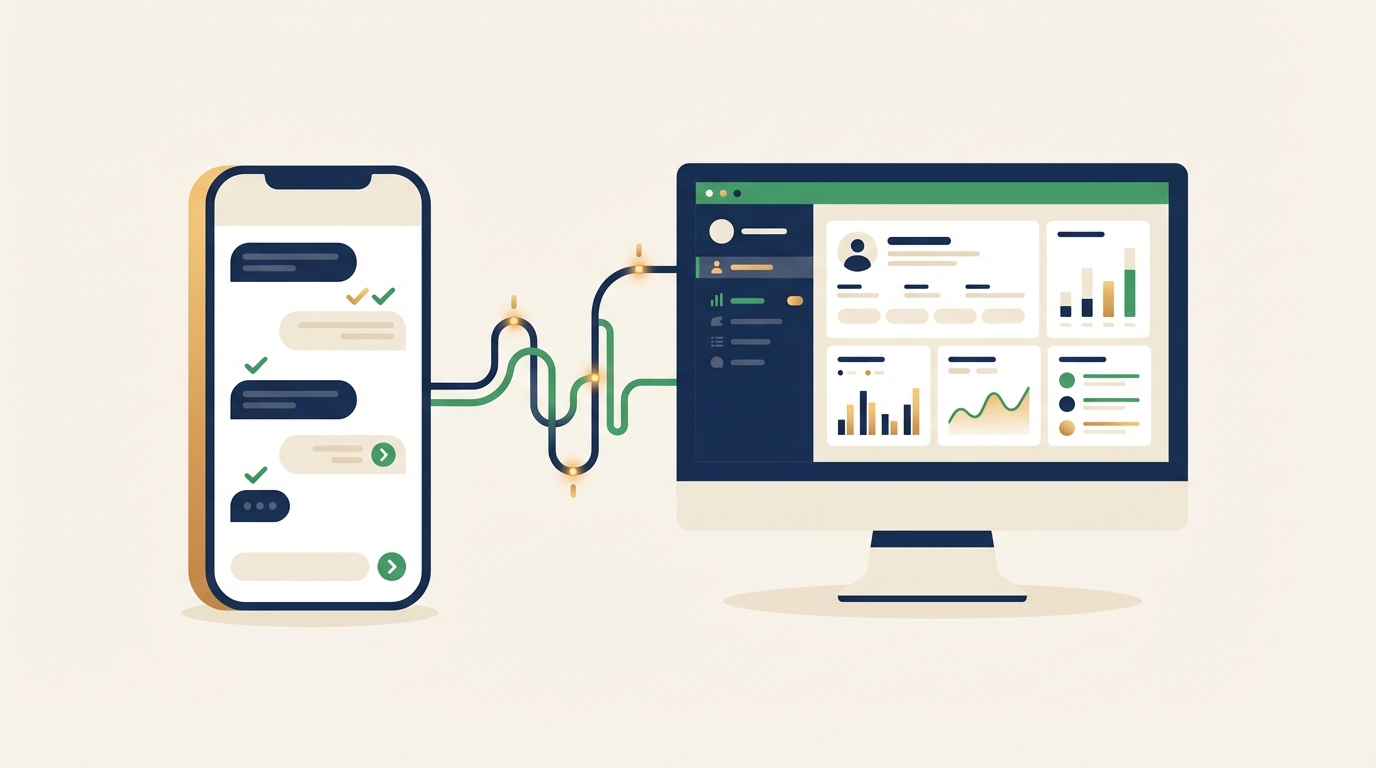
AI intake is not a chatbot that answers FAQ questions. It is a structured data collection system that replaces paper forms, phone-based scheduling, and manual insurance verification with a single digital workflow. Here is how it works in practice:
Before the visit
- The patient receives a link — via text message, email, or a widget embedded on your website. They can complete intake on their phone, tablet, or computer at any time.
- The AI asks one question at a time — instead of dumping a multi-page form on the patient, it walks them through demographics, medical history, current symptoms, medications, and insurance information conversationally. Skip logic ensures patients only answer questions relevant to their visit type.
- Insurance is pre-verified — the system can check eligibility and benefits before the appointment, reducing claim denials and billing surprises.
- Documents are uploaded — patients photograph their insurance card and ID directly through the intake flow. No scanning at the front desk.
During the visit
The front desk sees a completed intake record before the patient arrives. Check-in becomes a quick identity confirmation rather than a 15-minute paperwork session. Clinical staff can review symptoms and history before entering the exam room, so the visit starts with context rather than cold questions.
After the visit
Follow-up instructions, satisfaction surveys, and appointment reminders flow through the same AI communication channel. Patients who need to reschedule can do so through an automated system rather than calling during business hours — which matters when 62% of calls to small businesses go unanswered.
If your practice already uses an AI appointment scheduling system, intake becomes a natural extension of the booking flow. The patient books, completes intake, and arrives ready — all without a single phone call.
What AI intake actually replaces
To understand the value, consider what a typical small practice handles manually today:
| Task | Manual process | AI-powered process |
|---|---|---|
| New patient registration | 15-20 min clipboard form, staff re-keys data | 5-8 min digital form, auto-populates EHR |
| Insurance verification | Staff calls payer, 10-15 min hold time | Automated eligibility check in seconds |
| Appointment reminders | Staff calls or texts individually | Automated reminders at scheduled intervals |
| No-show follow-up | Staff calls to reschedule, often no answer | Automated rebooking prompt via text |
| Pre-visit questionnaire | Printed form, handed out at check-in | Completed digitally before arrival |
The result is not just time saved — it is capacity recovered. When your front desk spends 3 fewer hours per day on intake paperwork, those hours go to patient interaction, billing follow-up, or simply keeping up with the phones.
Practices that implement digital intake consistently report no-show reductions of around 30%. That is not a marginal improvement. For a practice that sees 20 patients per day and loses 3-4 to no-shows, recovering even one appointment per day adds up to significant revenue over a year.
HIPAA considerations for AI communication tools
This is where most small practices hesitate — and rightly so. Any system that touches protected health information (PHI) must comply with HIPAA’s Privacy and Security Rules. There is no special AI exemption. The same standards that apply to your staff and your EHR apply to an AI intake tool.
Here is what you need to verify before adopting any AI communication platform:
The non-negotiables
- Business Associate Agreement (BAA): Your AI vendor must sign a BAA. This contract legally obligates them to protect PHI to the same standard your practice does. If a vendor will not sign a BAA, walk away — no matter how polished their demo looks.
- Encryption in transit and at rest: Patient data must be encrypted both while being transmitted (HTTPS/TLS) and while stored on the vendor’s servers. This is a baseline technical safeguard under HIPAA’s Security Rule.
- Access controls and audit logging: The system must track who accessed what patient data and when. Only authorized staff should have access, and every interaction should be logged.
- Minimum necessary standard: The AI should only collect and access the minimum amount of PHI required for its specific task. An intake system collecting appointment preferences does not need access to a patient’s full clinical history.
What small practices get wrong
The most common HIPAA mistakes with AI tools are not technical — they are procedural:
- Using consumer-grade tools for patient communication. Standard text messaging, consumer email, and generic chatbots like the free version of ChatGPT are not HIPAA-compliant and cannot be used for patient communication involving PHI.
- Assuming the vendor handles everything. HIPAA compliance is a shared responsibility. The vendor secures the platform. You are responsible for access management, staff training, and proper configuration. If a staff member leaves and you do not revoke their access, that is your breach.
- Skipping the risk assessment. HIPAA requires a documented security risk assessment. Adding any new technology — including AI intake — should trigger an updated assessment.
The penalties for getting this wrong are real. As of January 2026, HIPAA civil monetary penalties range from $145 per violation up to $2.19 million per year for violations of an identical provision. Small practices are not exempt from enforcement — OCR has increasingly targeted smaller organizations in recent years.
The good news: HIPAA-compliant AI intake tools exist, and choosing one is straightforward. Look for vendors that prominently offer BAAs, SOC 2 certification, and healthcare-specific deployments rather than generic business chatbots repurposed for medical use.
Setting up AI intake for your practice
Getting started does not require ripping out your existing systems. Most AI intake platforms integrate with major EHR and practice management software, so the data flows into the same records your staff already uses.
Step 1: Audit your current intake workflow
Before adding technology, document what your intake process looks like today. How many forms does a new patient fill out? How long does check-in take on average? Where do errors and bottlenecks occur? This baseline tells you exactly what to measure after implementation.
Step 2: Choose a HIPAA-compliant platform
Evaluate vendors on three criteria: HIPAA compliance (BAA, encryption, audit logs), EHR integration (does it connect to your system?), and customization (can you configure intake questions for your specialty?). An AI-powered intake widget should feel like a natural extension of your website, not a clunky add-on.
Step 3: Configure your intake forms
Map your existing paper forms to digital equivalents. Most platforms let you build conditional logic — a patient selecting “new patient” sees different questions than one selecting “follow-up.” Add specialty-specific fields: a dentist needs different intake data than a physical therapist.
Step 4: Test with a small group
Roll out to a subset of appointments first. Track check-in time, data accuracy, patient completion rates, and staff feedback. Two weeks of pilot data gives you enough to identify issues before a full launch.
Step 5: Train your team
Your front desk needs to know what the new workflow looks like. When a patient arrives who has already completed digital intake, the check-in process changes from data collection to data verification. Staff should also know how to handle patients who prefer paper forms — because some will.
Step 6: Monitor and adjust
Track no-show rates, check-in times, and patient satisfaction scores before and after implementation. 90% of medical groups report rising operating costs — concrete data showing intake automation reduced your admin overhead makes the case for continued investment.
Patient experience — what patients actually think
The concern that patients, especially older ones, will resist digital intake is understandable but increasingly outdated. The data tells a different story.
The AMA’s 2024 Augmented Intelligence survey found that 66% of physicians are now using health AI in their practice — a 78% jump from just one year prior. Patients are following the same trajectory. Self-service check-in kiosks, online portals, and digital forms have become standard in retail pharmacies, urgent care chains, and hospital systems. Patients arriving at your small practice increasingly expect the same.
That said, implementation matters. The practices that get the best adoption follow a few principles:
- Offer choice, not mandates. Send the digital intake link before the visit, but have paper forms available for anyone who prefers them. Over time, digital adoption climbs naturally as patients experience the convenience.
- Keep it short. The same form abandonment problems that plague business contact forms apply to patient intake. Ask what you need for the visit, not everything you might ever want. Collect supplementary information at follow-ups.
- Send it early. Give patients the intake link 48-72 hours before their appointment, not 30 minutes before. Most will complete it on their phone in the evening at their own pace.
- Close the loop. When a patient completes intake digitally, acknowledge it. A simple “We have your information — see you Thursday at 2:00” text message reinforces that the system works and that their effort was not wasted.
92% of healthcare leaders believe automation addresses staffing shortages. But the real win is not just operational. Patients who skip the clipboard and walk straight to the exam room report a better overall visit experience. The waiting room becomes what it should be — a brief pause, not a paperwork marathon.
What to expect in the next 12 months
AI patient intake is moving fast. Here is where the technology is heading:
Deeper EHR integration. Today’s intake tools push data into your EHR. Tomorrow’s will pull data out — pre-filling known information so returning patients confirm rather than re-enter their details. This eliminates the single biggest patient complaint about intake: “I already gave you this information.”
Multilingual intake. AI translation capabilities are improving rapidly. For practices serving diverse communities, intake systems that adapt to a patient’s preferred language — without requiring translated paper forms — will become standard rather than premium.
Clinical pre-screening. Intake systems are starting to include symptom assessment tools that help triage patients before they arrive. A patient reporting chest pain gets flagged for urgent attention. A patient with routine follow-up symptoms is confirmed for a standard slot. This is not diagnosis — it is intelligent routing.
Voice-first intake. Not every patient wants to type on a screen. Voice AI that can conduct an intake conversation over the phone — collecting the same structured data as a digital form — is emerging as an option for practices with older patient populations or those who prefer a phone call.
The AI in healthcare market is projected to grow from $39 billion in 2025 to $504 billion by 2032. That growth will bring more competition, lower prices, and better tools for small practices. The practices that adopt now will be ahead of the curve. Those that wait will eventually adopt the same tools — just later and at a competitive disadvantage.
Getting started
AI patient intake is not experimental technology. It is deployed across thousands of healthcare practices today, with measurable results: faster check-ins, fewer no-shows, lower administrative costs, and better patient experiences. The HIPAA compliance landscape, while serious, is navigable with the right vendor and the right process.
If you run a small healthcare practice and your front desk is overwhelmed, start with the basics. Audit your current intake workflow. Talk to vendors who specialize in healthcare AI — not general-purpose chatbot companies. And test with a small group before rolling out practice-wide.
Appalach.AI builds AI-powered intake and communication tools designed for small businesses, including healthcare practices that need HIPAA-compliant solutions. If you are exploring AI intake for your practice, get in touch — we will walk through what a deployment looks like for your specific situation.