
AI for Law Firms: Client Intake and Document Review
The small law firm’s technology challenge
Running a small law firm means wearing every hat. You are the attorney, the office manager, the intake coordinator, and the marketing department. Between court appearances, client meetings, and billable hours, the administrative work piles up fast.
The technology gap between large and small firms is real. According to the ABA’s Legal Technology Survey, AI adoption at firms with 51 or more lawyers sits at 39%, while firms with 50 or fewer hover around 20%. Large firms can afford dedicated IT teams, enterprise legal software, and six-figure technology budgets. Small firms often make do with a phone, a filing cabinet, and whatever software they can afford.
But that gap is closing. AI tools built for small law firms are now affordable, practical, and easy to deploy. They handle the repetitive work that eats up your time — qualifying new leads, reviewing documents, drafting routine correspondence — so you can focus on practicing law.
The 2025 Clio Legal Trends Report found that growing law firms are nearly twice as likely to use AI as shrinking ones, and those growing firms have nearly doubled their revenue over four years. The message is clear: the firms that adopt AI tools are pulling ahead.
AI client intake: qualifying and onboarding clients faster
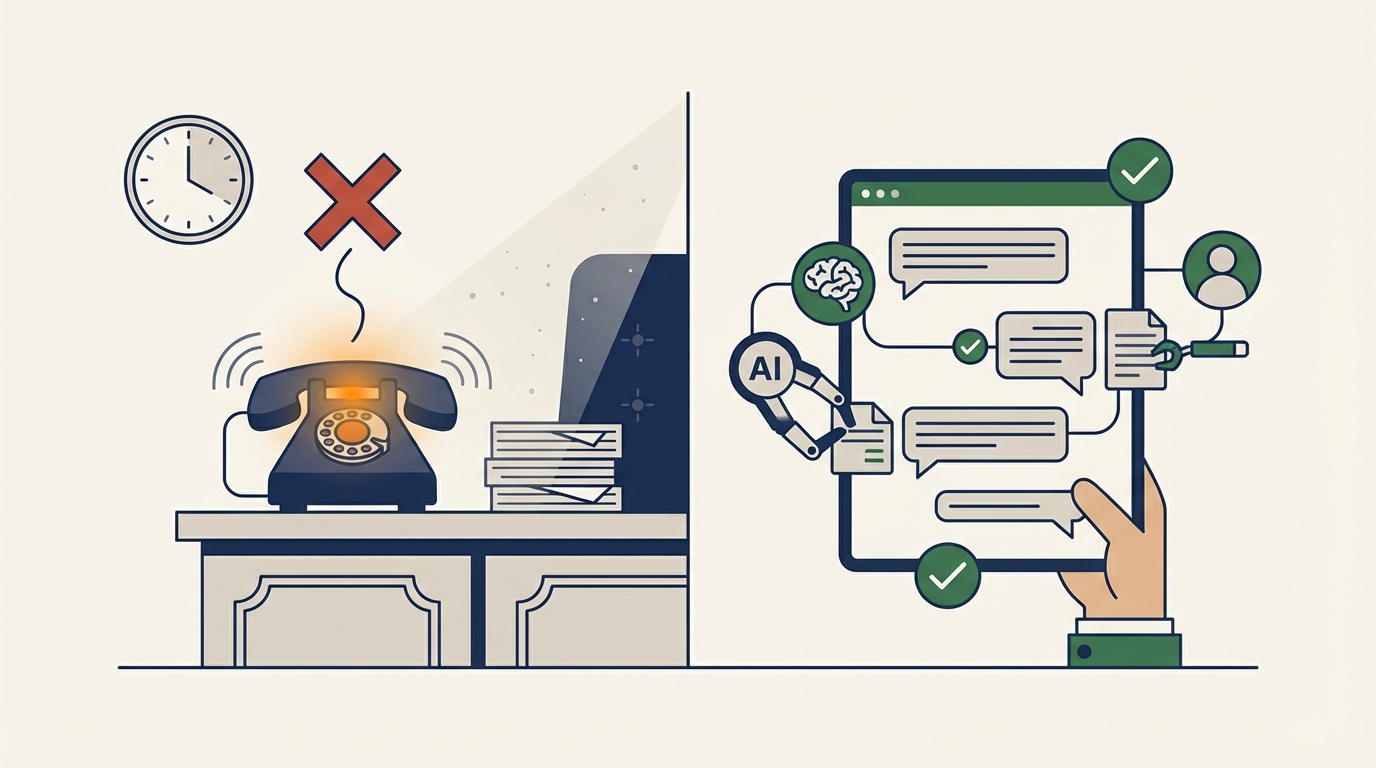
Client intake is where most small firms lose money without realizing it. A potential client calls your office at 6 PM on a Tuesday. Nobody answers. They call the next firm on Google. You never know they existed.
The numbers are stark. Clio’s secret shopper study found that only 40% of law firms answer phone calls — down from 56% in 2019. And 80% of consumers will contact another attorney if they do not hear back within 48 hours. The average firm loses roughly 8% of potential revenue to intake inefficiency alone.
AI intake tools solve this by handling the first conversation automatically. When a potential client reaches out — by phone, chat, or web form — an AI intake system can:
- Answer immediately, 24 hours a day, 7 days a week
- Ask qualifying questions to determine if the case fits your practice areas
- Collect essential information like contact details, case type, timeline, and urgency
- Schedule a consultation directly on your calendar
- Send a follow-up email confirming the appointment and outlining what to bring
This is not a static contact form that sits in an inbox until Monday morning. It is an intelligent conversation that guides the potential client through the same questions your front desk staff would ask — but available at 2 AM on a Saturday.
What makes legal intake different
Law firm intake has specific requirements that generic chatbots miss. The AI needs to understand practice areas well enough to route a personal injury inquiry differently from a family law matter. It needs to recognize urgency — a client facing a filing deadline needs different handling than someone exploring options for estate planning.
Attorney-client privilege adds another layer. Any intake system must handle client communications carefully, with clear disclaimers about the nature of the interaction and proper data handling. The best AI intake tools are built with these constraints in mind, storing information securely and maintaining clear boundaries about what constitutes legal advice.
If you are curious how conversational AI intake differs from traditional contact forms, we covered the broader approach in our post on AI intake widgets. The principles apply directly to law firms, with additional compliance considerations.
AI document review: faster, more consistent, less expensive
Document review is one of the most time-consuming tasks in legal practice. Whether you are reviewing contracts for a real estate closing, combing through discovery documents in litigation, or analyzing regulatory filings, the work is tedious, repetitive, and expensive.
According to Thomson Reuters’ 2025 AI report, document review is the top AI use case for legal professionals, cited by 77% of respondents. And for good reason — AI can review documents faster and more consistently than humans, catching details that tired eyes miss.
How AI document review works
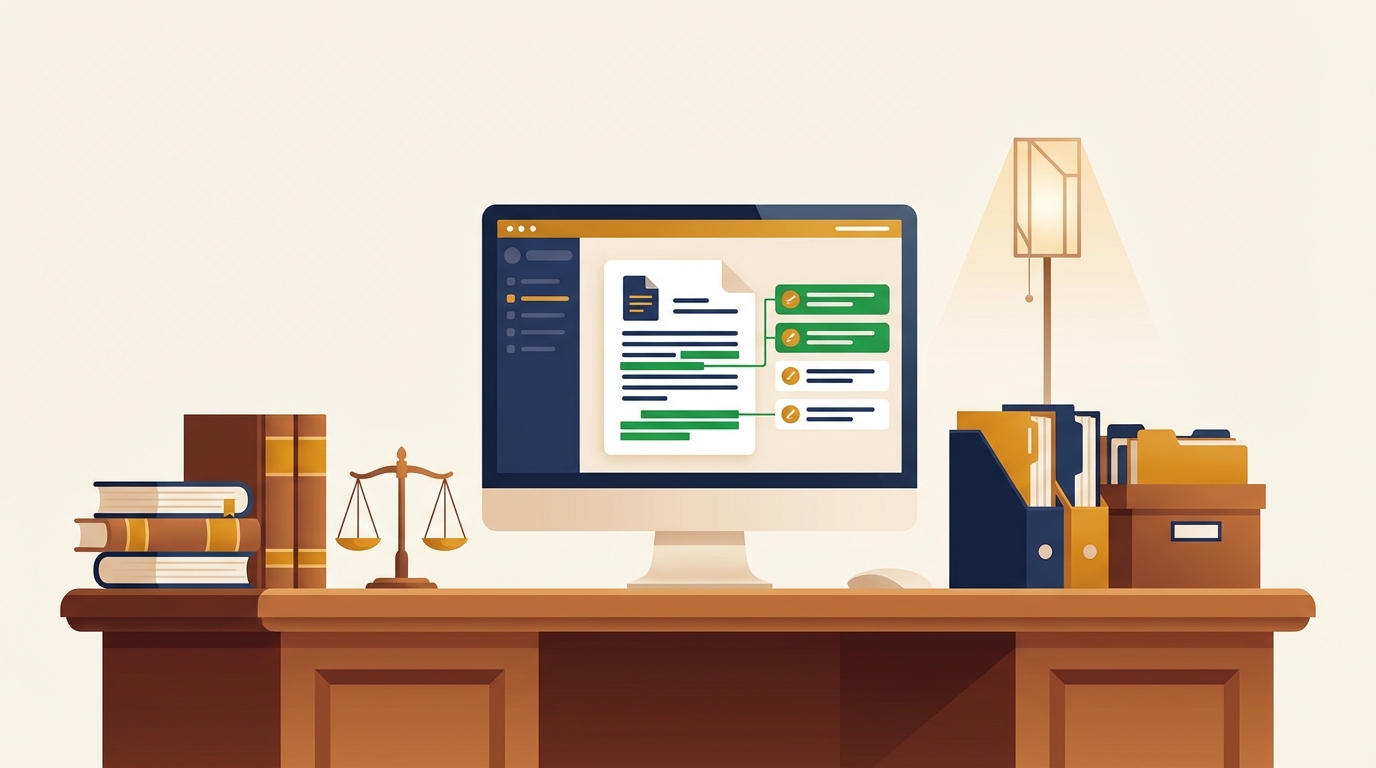
Modern AI document review tools use large language models to read and understand legal documents in context. They can:
- Extract key clauses from contracts — indemnification, termination, non-compete, change of control
- Flag inconsistencies between document versions or across a set of related agreements
- Identify risks like unusual liability provisions, missing standard clauses, or ambiguous language
- Summarize long documents into concise briefs highlighting the most important terms
- Compare documents against templates or standard language to spot deviations
For a solo attorney reviewing a 40-page commercial lease, AI can cut the initial review from two hours to fifteen minutes. You still read the critical sections yourself. But instead of reading every page looking for issues, you start with a prioritized list of flagged provisions and focus your expertise where it matters most.
The cost equation
Traditional document review for litigation can cost $25-50 per hour for contract reviewers, and complex cases can involve tens of thousands of documents. AI review tools typically cost a fraction of that — often a flat monthly subscription that covers unlimited reviews.
For small firms, this changes the math on which cases are profitable. A matter that would require 40 hours of manual document review might become viable when AI handles the first pass in an afternoon. You take cases you would have turned away, and your clients get results faster.
AI legal research: finding precedents and statutes
Legal research is where many small firms first encounter AI. Tools like Thomson Reuters’ CoCounsel, Casetext’s CoCounsel (now part of Thomson Reuters), and newer entrants have made AI-powered research accessible to firms of all sizes.
The ABA’s survey data shows that 54% of legal professionals already use AI to draft correspondence, and legal research ranks alongside document review as a top use case at 74%. The shift from traditional database searches to AI-assisted research is accelerating.
What AI research can do today
AI legal research goes beyond keyword searching. Modern tools can:
- Understand natural language queries — ask “What are the defenses to a breach of contract claim in West Virginia?” instead of constructing Boolean searches
- Find relevant case law across jurisdictions, including cases you might not have found through traditional research
- Summarize holdings so you can quickly determine if a case is worth reading in full
- Draft research memos as a starting point, outlining the legal landscape on a specific issue
- Track citation history to ensure you are not relying on overruled or distinguished cases
For a two-attorney firm in a rural market, this is transformative. You get research capabilities that previously required a law library and a full-time associate. Your research is more thorough because the AI does not skip cases due to fatigue or time pressure, and you can serve clients in practice areas where you have competence but limited research experience.
The accuracy question
AI legal research is not perfect. Hallucination — the tendency of AI models to generate plausible but fictional citations — remains a real concern. Several attorneys have faced sanctions for submitting AI-generated briefs containing fabricated case citations.
The safeguard is straightforward: always verify. Use AI to find cases and draft initial analysis, then confirm every citation exists and says what the AI claims it says. Treat AI research like work from a first-year associate — valuable for a first draft, but requiring your experienced review before anything goes to a client or a court.
Ethical considerations for AI in legal practice
The ABA’s Task Force on AI concluded in December 2025 that “AI adoption has surpassed understanding” in the legal profession. More than half of firms have no AI policy at all. That gap between usage and governance creates risk.
Competence and supervision
Model Rule 1.1 requires lawyers to provide competent representation, which the ABA has interpreted to include understanding the technology you use. If you deploy an AI tool for client intake or document review, you need to understand what it does, how it works, and where it can fail.
This does not mean you need a computer science degree. It means you should:
- Understand the tool’s capabilities and limitations
- Know what data it accesses and how it stores information
- Have a process for reviewing AI output before it reaches a client or court
- Stay current on evolving guidance from your state bar
Confidentiality
Client data is sacred in legal practice. Before using any AI tool, confirm how it handles the data you feed it. Key questions:
- Does the tool use your data to train its models? (Most enterprise legal AI tools do not, but verify.)
- Where is the data stored, and who has access?
- Does the tool meet your jurisdiction’s data protection requirements?
- Can you delete client data from the system when a matter concludes?
Billing transparency
As AI reduces the time certain tasks take, billing practices need to adapt. The Thomson Reuters 2026 report notes that 40% of law firm respondents expect AI to increase non-hourly billing methods. If AI cuts your document review time from 10 hours to 2 hours, billing the client for 10 hours is not ethical. Many firms are moving toward flat-fee and value-based billing models that reflect the efficiency AI provides — and clients prefer the predictability.
Getting started with AI for your law firm
You do not need to overhaul your entire practice overnight. Start with the area where you lose the most time or money, then expand from there.
Start with intake
If you are missing calls and losing potential clients, AI intake delivers the fastest ROI. A tool like Hollr can handle initial client inquiries, qualify leads based on your practice areas, and schedule consultations — all without hiring additional staff. For a small firm, the difference between answering every inquiry and missing 60% of them is the difference between growth and stagnation.
We covered the full picture of how AI handles after-hours inquiries in our guide to AI answering services for small businesses. The principles apply directly to legal practices.
Add document review next
Once your intake pipeline is running, look at where you spend the most non-billable time. For most firms, document review and research are the biggest drains. Start with a single practice area — contract review for real estate closings, for example — and measure the time savings before expanding.
Build your AI policy
Before rolling out any tool firm-wide, draft a simple AI policy. It does not need to be complicated. Cover:
- Which AI tools are approved for use
- What types of data can be processed through AI tools
- Who is responsible for reviewing AI output
- How AI-assisted work is disclosed and billed
- How the policy will be updated as tools and guidance evolve
Measure what matters
Track the metrics that show whether AI is working:
- Lead-to-client conversion rate — are you capturing more of the clients who contact you?
- Average intake response time — how quickly are potential clients getting a response?
- Document review hours — how much time are you saving per matter?
- Revenue per attorney — is your effective capacity increasing?
The bottom line
AI is not replacing lawyers. It is replacing the administrative work that keeps lawyers from practicing law. The 2026 Thomson Reuters report found that 62% of legal professionals believe AI belongs in the workplace, and the firms that agree are growing faster than those that do not.
For small law firms — especially those in markets like Appalachia where client relationships matter and resources are tight — AI is the great equalizer. It gives a two-person firm the intake capacity, research depth, and document review speed that used to require a team of ten.
The technology is here, it is affordable, and the firms that adopt it first will have the advantage. If you want to explore what AI can do for your practice, get in touch with our team to discuss custom AI solutions built for professional services.